Today was MobiDevDay in Detroit, and it was a heck of a good conference (and I’m not just saying that because Detroit Labs helped put it on). The slides from my presentation are on Speaker Deck, and you can see AmazeKit on GitHub or view its documentation. Enjoy!
Tag: open-source
Slides, Code From My CodeMash 2013 Presentation
At CodeMash 2013, I gave a talk entitled “Using Images in iOS.” Sorry for the delay, but here are some links for the contents of the presentation:
Also, during this presentation I open-sourced a graphics library called AmazeKit. Follow the link to check it out, or read more about it on the Detroit Labs tumblr.
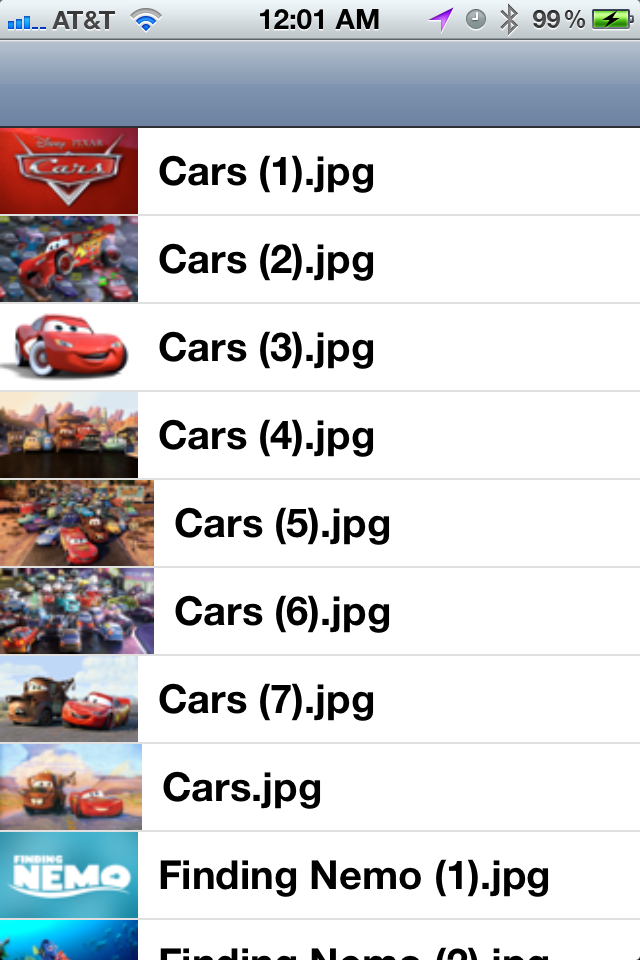
GCD Example Updated (Now With More Speed!)
Due to popular demand, I’ve updated my GCD example from previous talks to include a few things to make the example not only do something on a background queue, but also snappy. It should scroll much better now. A quick rundown of what changed:
- Images are now resized. Since the example uses wallpaper-sized images, there’s no sense in not resizing them to go on a 44-pixel-tall table view cell. I’m using the popular image-resizing routines from Trevor’s Bike Shed to do the resizing with a nice interpolation quailty.
- Those resized images are now cached. I use an
NSCacheto store the images. If the app receives a memory warning, it’ll jettison all of the cached images, but if you’re just scrolling up and down this is a quick and dirty way to cache the images. I had never really usedNSCachebefore, so this was a good excuse to try it.
I’m at CocoaConf in that state down to the South today, so this post has been brought to you by late-night hotel room caffeine. I made some other changes to the project to deal with a weird table view cell bug that I’ve submitted to Apple; a post on that is coming up next!
Apple Doesn’t Like “Die, You Gravy-Sucking Pig-Dog!”
There’s a relatively well-known Easter egg in BSD’s shutdown.c: a function named die_you_gravy_sucking_pig_dog. It turns out that Apple doesn’t care to have such uncouth function names floating around, so they re-defined it:
#ifdef __APPLE__

void log_and_exec_reboot_or_halt(void);

#else

void die_you_gravy_sucking_pig_dog(void);

#endif
Sure, it does the same thing, but I don’t think log_and_exec_reboot_or_halt has the same panache.
New iPhone Project: uWarranty
So, I created a new iPhone application called uWarranty. It used an unpublished Apple API for warranty status (from selfsolve.apple.com), and so I got this after submitting it:
Thank you for submitting your application to the App Store. Unfortunately, your application, uWarranty, cannot be added to the App Store because it violates section 3.3.7 of the iPhone Developer Program License Agreement:
“Applications may not perform any functions or link to any content or use any robot, spider, site search or other retrieval application or device to scrape, retrieve or index services provided by Apple or its licensors, or to collect, disseminate or use information about users for any unauthorized purpose.”
OK, I get it. That’s fine and is Apple’s prerogative. But now I have this program and all the development time that went into it. So what do I do? I guess the answer is to open-source it, just like AppSales Mobile. Watch this space for more details as I clean up the code and throw it up on a public repository somewhere.